The Ultimate Game Server Discord Bot
Transform your Game Server Discord with powerful automation, real-time monitoring, and engaging features. Setup in minutes, not hours.
Powerful Features for Gaming Communities
Choose your game preset and get a fully tailored bot — each preset unlocks different commands and features built for that game.
Game Presets
Pick your game — Rust, SCUM, Minecraft or Universal — and the bot instantly configures itself for your community. Each preset comes with game-specific commands and settings built right in.
Welcome System
Automatically welcome new members with customizable messages, role assignments, and beautiful embeds.
Rules & Verification
Interactive rules with reaction roles for verification and access control to your server.
Preset-Based Commands
Alongside core commands, each preset adds its own slash commands — Rust gets Rust commands, SCUM gets SCUM commands, and so on. Server commands and much more are included too.
Ticket System
A fully featured support ticket system with custom panels, categories, and staff workflows — everything your community needs to handle support requests efficiently.
Log System
Keep track of everything happening in your server. The log system records member activity, moderation actions, and other important events to a dedicated channel.
Update Checker
Automatically notifies your community whenever a game update is released — no more manually checking patch notes. Supported for Rust, SCUM and more.
Giveaways & Polls
Run giveaways and community polls directly in Discord — engage your members, reward your community, and gather feedback with ease.
Custom Bot Branding
Personalize your bot with a custom name and avatar to perfectly match your server's brand and identity.
How It Works
Get your bot running in 4 simple steps
Login with Discord
Connect your Discord account and select your servers with admin permissions.
Invite the Bot
Add GameHub Bot to your Discord server with one click invitation.
Configure Features
Use our intuitive web dashboard to configure all bot features easily.
Enjoy!
Your bot is now active and serving your gaming community 24/7.
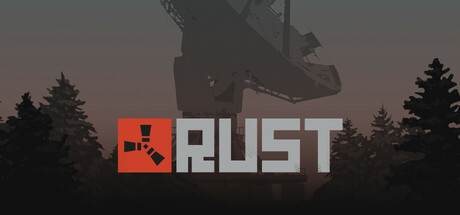
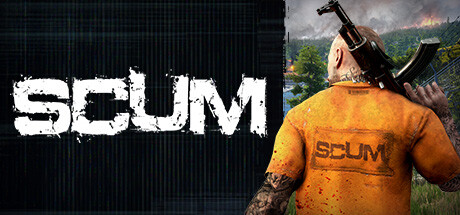
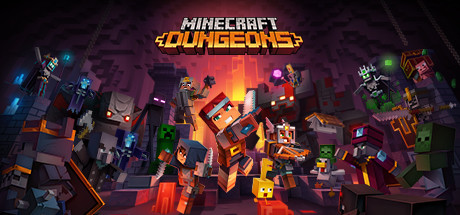
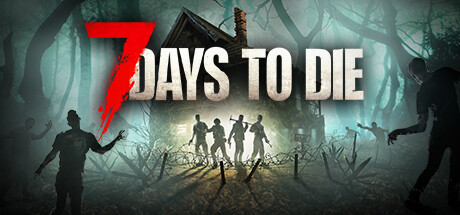
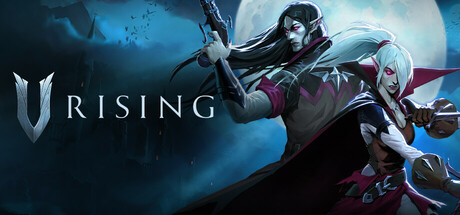
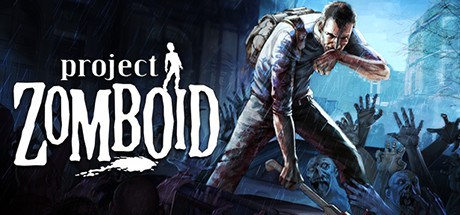
Optimized for Your Game
Choose your game preset — the bot configures itself around your community




Frequently Asked Questions
How do I add GameHubBot to my Discord server?
Click the "Invite Bot" button on gamehub.bot, select your server, and authorize the required permissions. Setup takes less than 5 minutes.
Is GameHubBot free?
Yes, GameHubBot is free to use with all core features included. If you enjoy the bot and want to support us, a premium plan helps keep this project alive — we're a small studio building and maintaining something we genuinely care about. See the pricing page for details.
Does GameHubBot support Rust servers?
Yes. GameHubBot has a native Rust preset with RCON integration, wipe notifications, player stats, and automated announcements.
What makes GameHubBot different from other Discord bots?
Most general-purpose Discord bots are built for everyone — which means they're optimized for no one in particular. GameHubBot is purpose-built for gaming communities, with native game presets, game-specific commands, and an update checker that your competitors simply don't offer.
How do I set up a ticket system on Discord?
With GameHubBot, go to your server dashboard, navigate to "Ticket System", create a panel with custom options, and post it to any channel. Users can open tickets with one click.
Ready to Transform Your Discord?
Join thousands of gaming communities already using GameHub Bot to enhance their Discord experience.